Mask
Mask
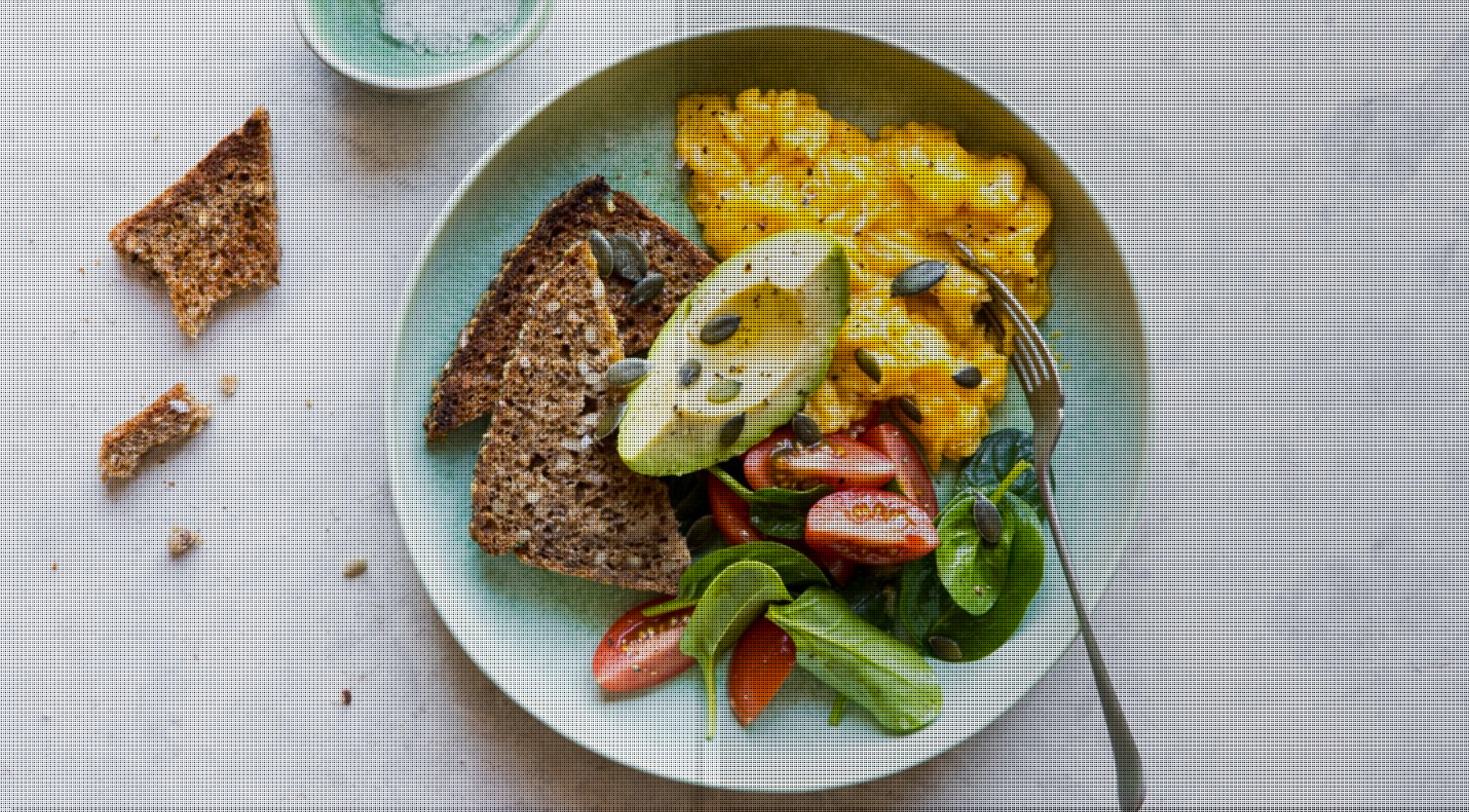
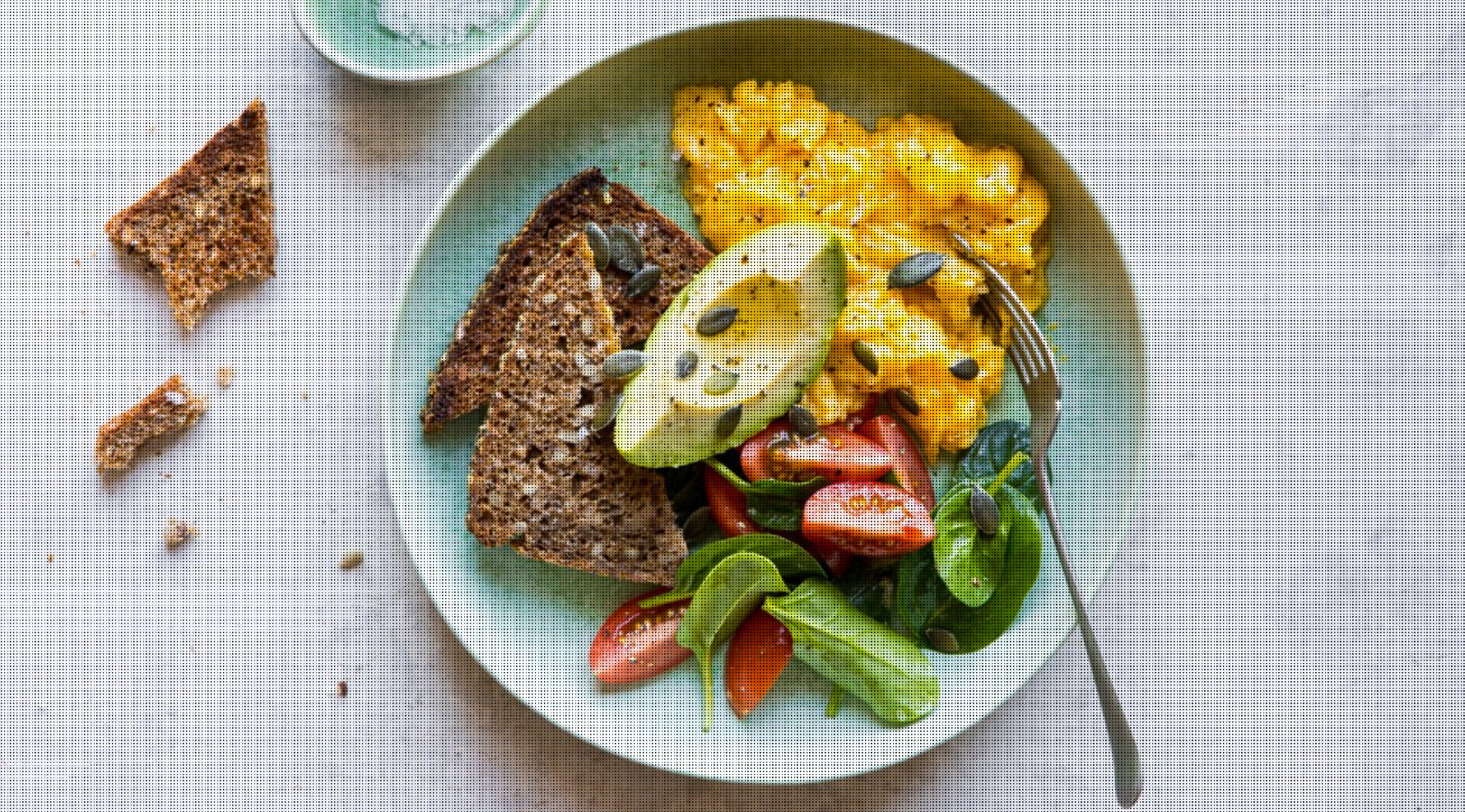
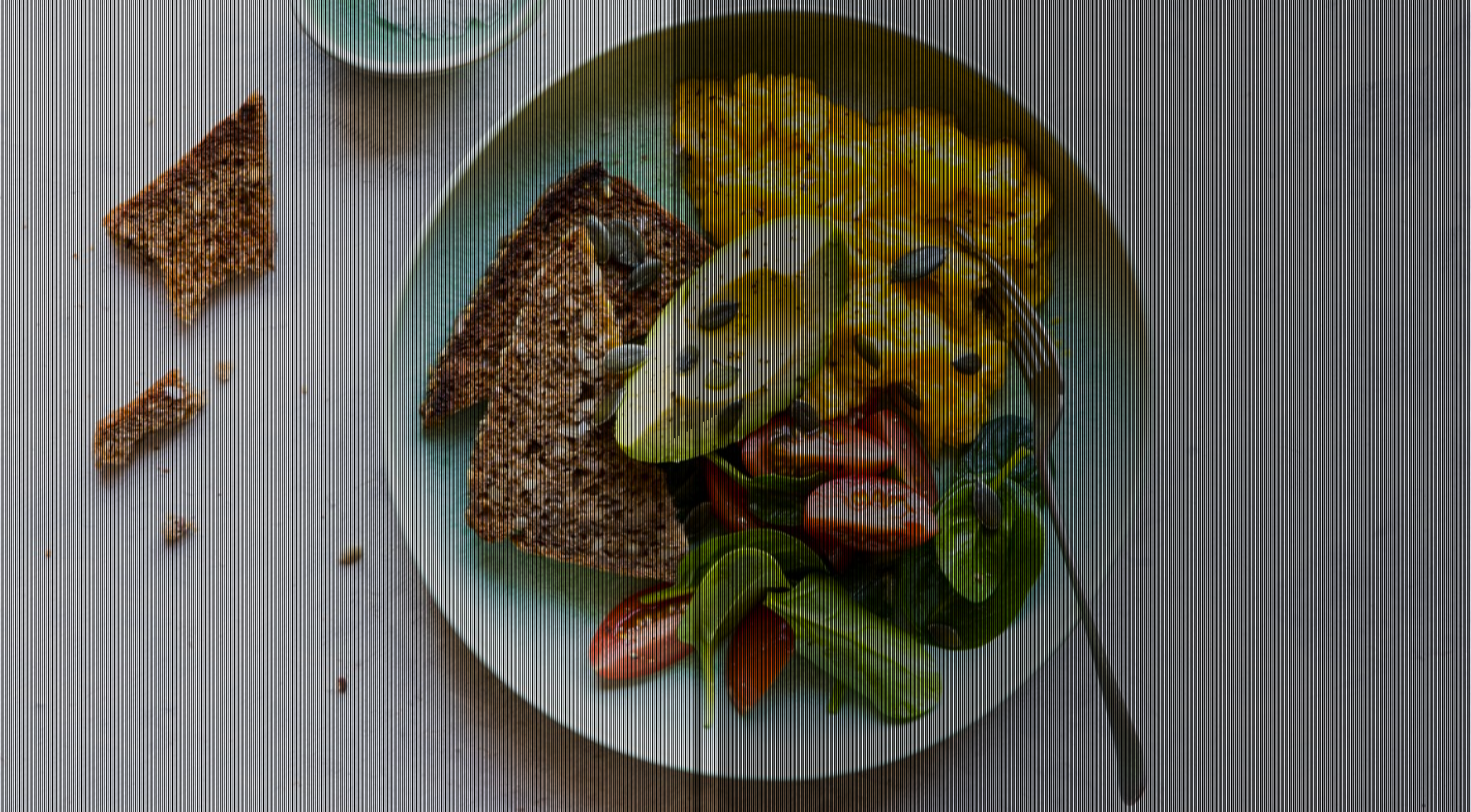
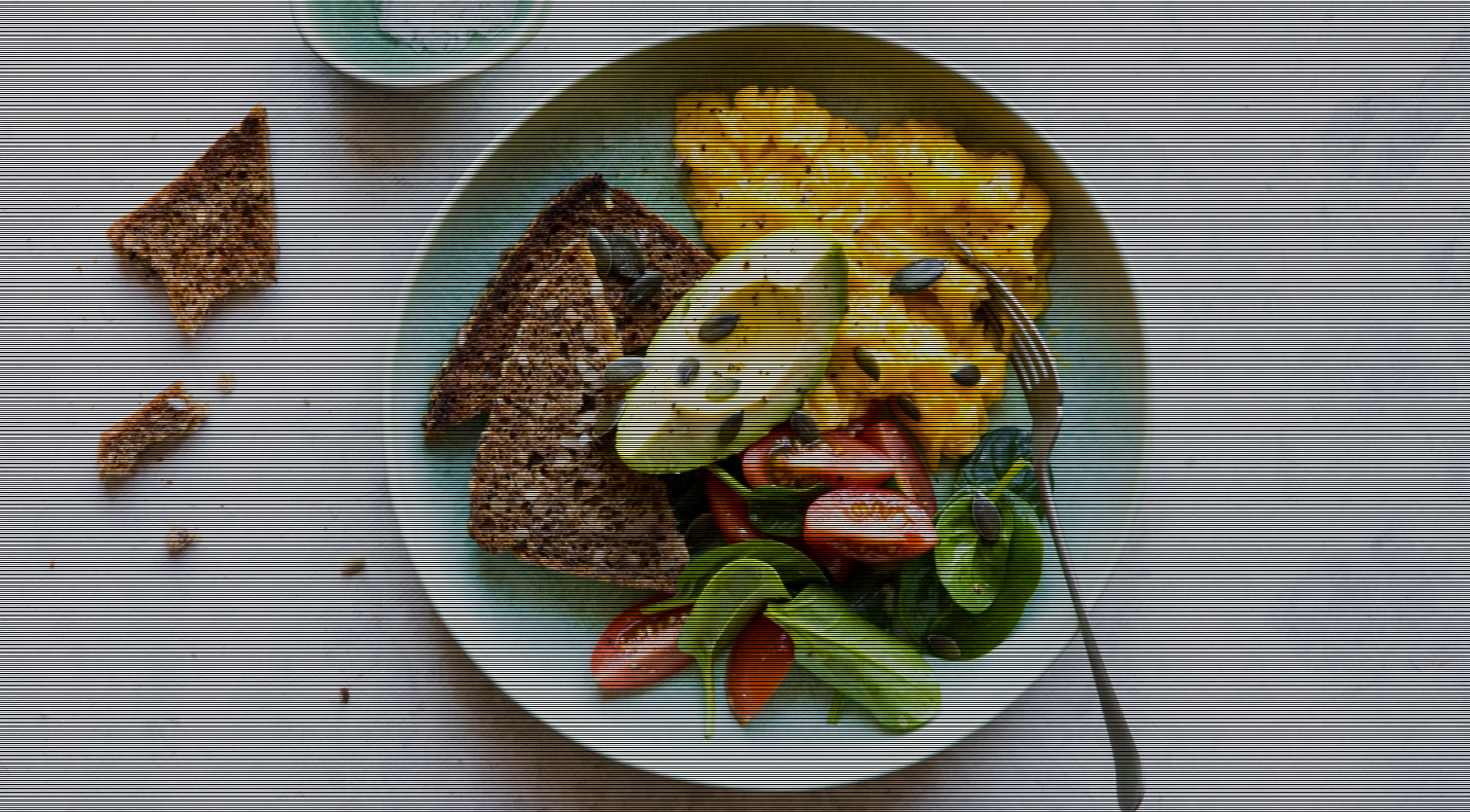
Angular Bootstrap Masks alter the visibility of an element by either partially or fully hiding it. Contrast Design Angular Masks are used to make content more visible in the picture.
Mask Patterns
html
<CDBView><img src="../../../assets/../../../assets/img/food.jpg" class="img-fluid" alt="" style="width: 100%" /><CDBMask pattern="pattern1" class="flex-center" ></CDBMask></CDBView><CDBView><img src="../../../assets/img/food.jpg" class="img-fluid" alt="" style="width: 100%" /><CDBMask pattern="pattern2" class="flex-center" ></CDBMask></CDBView><CDBView><img src="../../../assets/img/food.jpg" class="img-fluid" alt="" style="width: 100%" /><CDBMask pattern="pattern3" class="flex-center" ></CDBMask></CDBView><CDBView><img src="../../../assets/img/food.jpg" class="img-fluid" alt="" style="width: 100%" /><CDBMask pattern="pattern4" class="flex-center" ></CDBMask></CDBView>
Mask Light Overlay
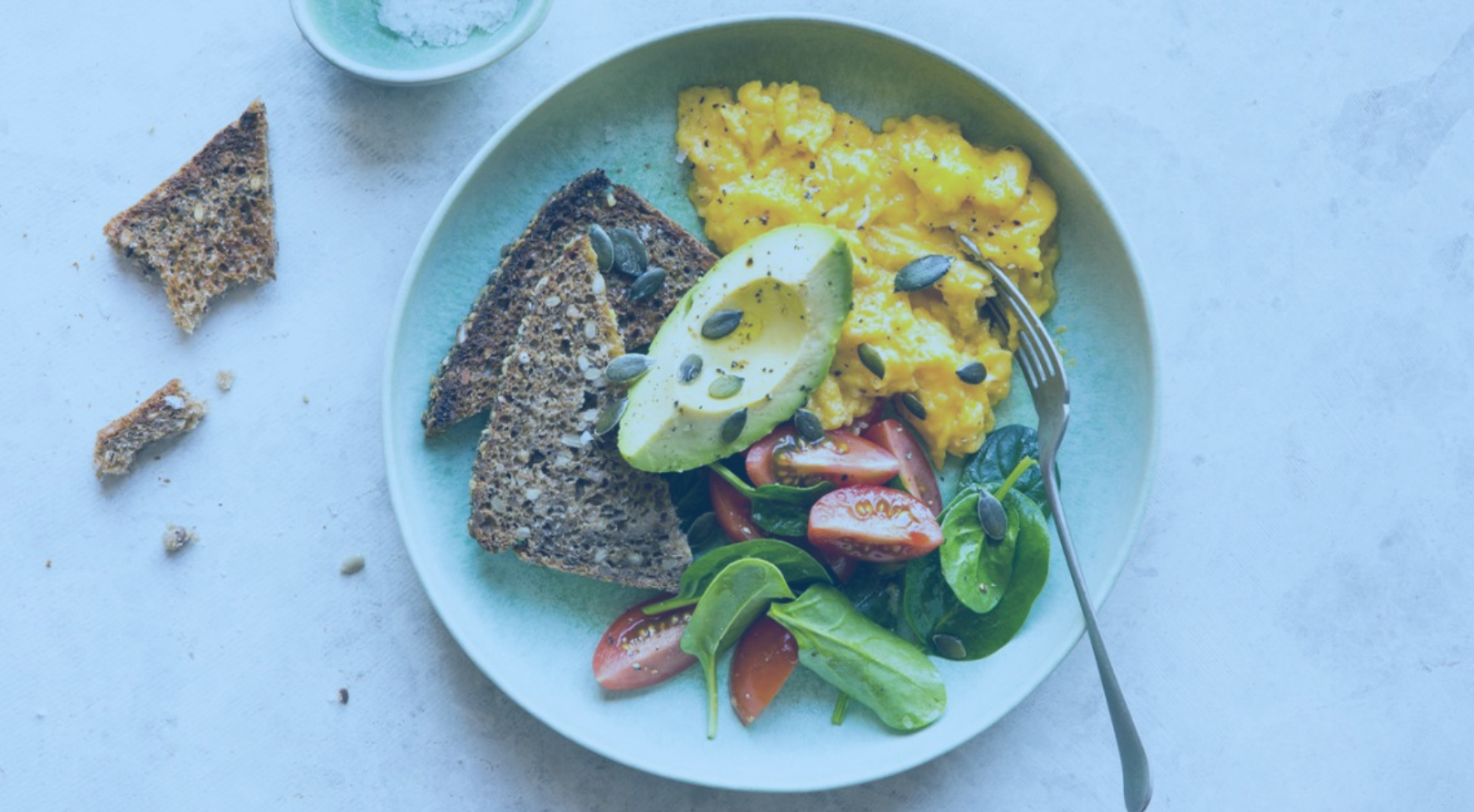
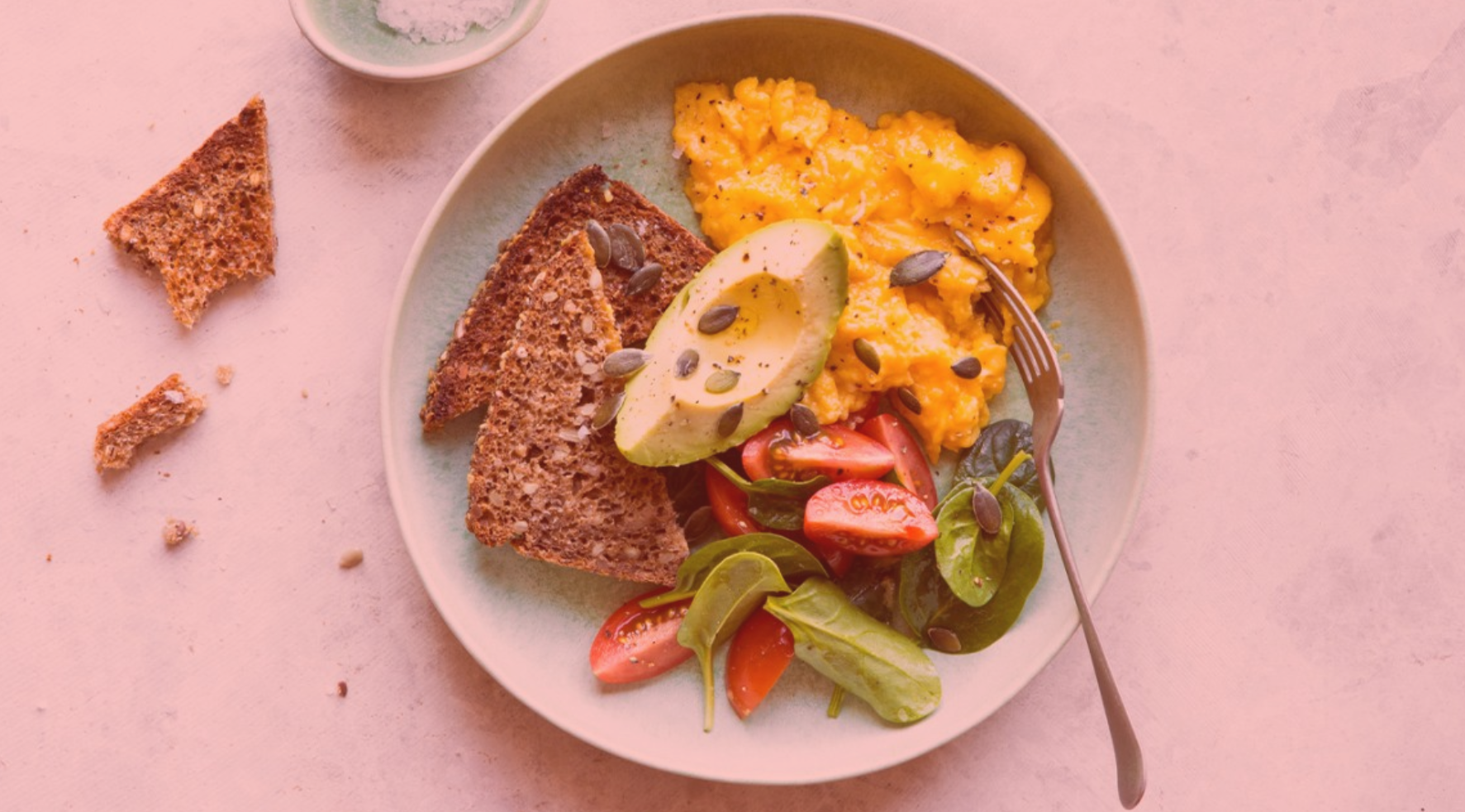
html
<CDBView><img src="../../../assets/img/food.jpg" class="img-fluid" alt="" style="width: 100%" /><CDBMask overlay="blueLight" class="flex-center" ></CDBMask></CDBView><CDBView><img src="../../../assets/img/food.jpg" class="img-fluid" alt="" style="width: 100%" /><CDBMask overlay="redLight" class="flex-center" ></CDBMask></CDBView>
Mask Strong Overlay

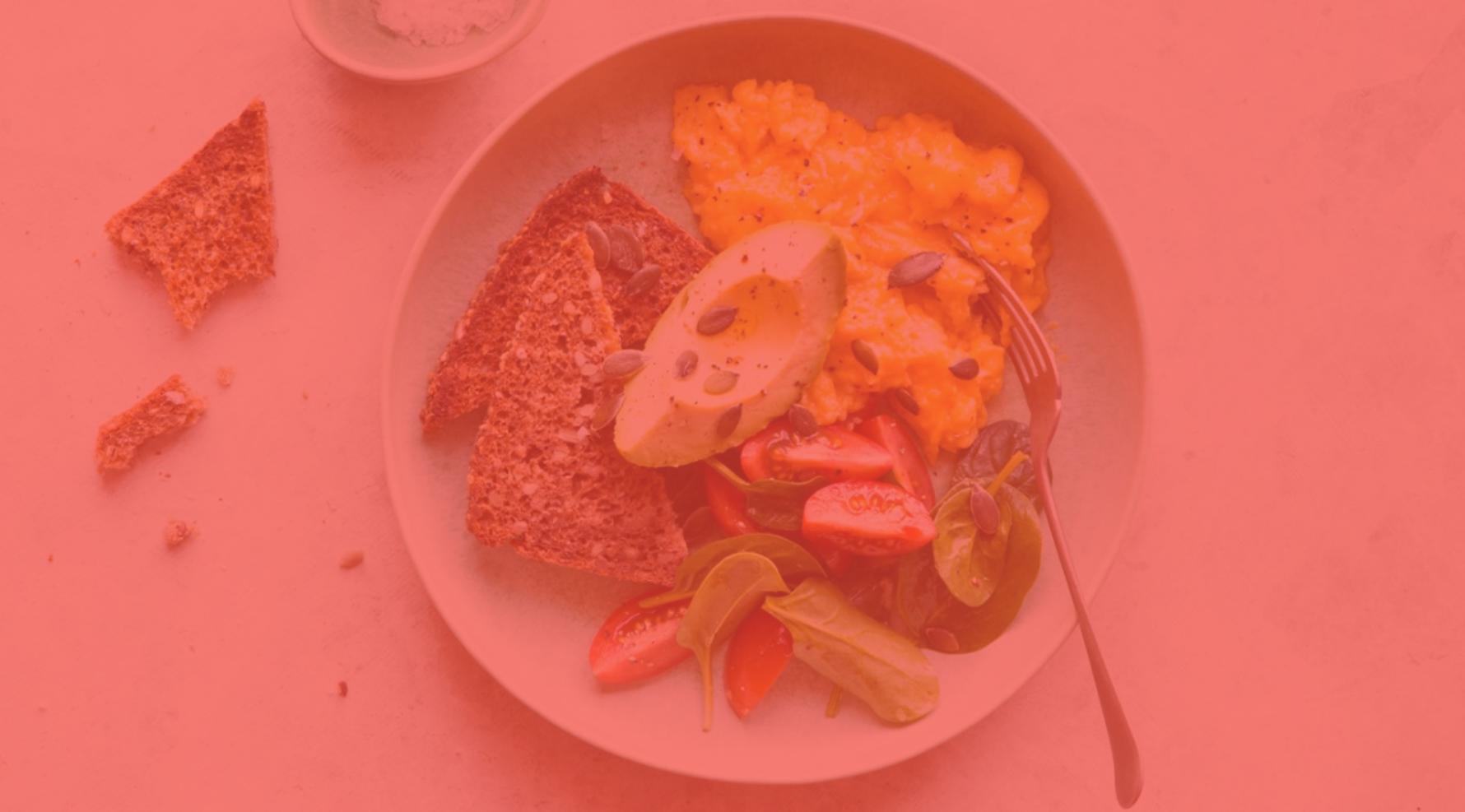
html
<CDBView><img src="../../../assets/img/food.jpg" class="img-fluid" alt="" style="width: 100%" /><CDBMask overlay="blueStrong" class="flex-center" ></CDBMask></CDBView><CDBView><img src="../../../assets/img/food.jpg" class="img-fluid" alt="" style="width: 100%" /><CDBMask overlay="redStrong" class="flex-center" ></CDBMask></CDBView>
API
Here in this section you will find information about required modules and available inputs, outputs, methods and events of this component.
Contrast Mask Bootstrap Modules used
import {MaskModule } from 'cdbangular';
API Reference: Contrast Mask Bootstrap Inputs
The table below shows the possible input of the Mask component.
| Name | Type | Default | Description | Example |
|---|---|---|---|---|
| class | String | Adds custom classes | class="myClass" | |
| overlay | String | Creates overlay in passed color | overlay="grey-light" | |
| pattern | String or Number | Creates pattern with chosen style | pattern="1" |