Mask
Mask
Masks alter the visibility of an element by either partially or fully hiding it. Masks are used to make content more visible in the picture.
Mask Patterns
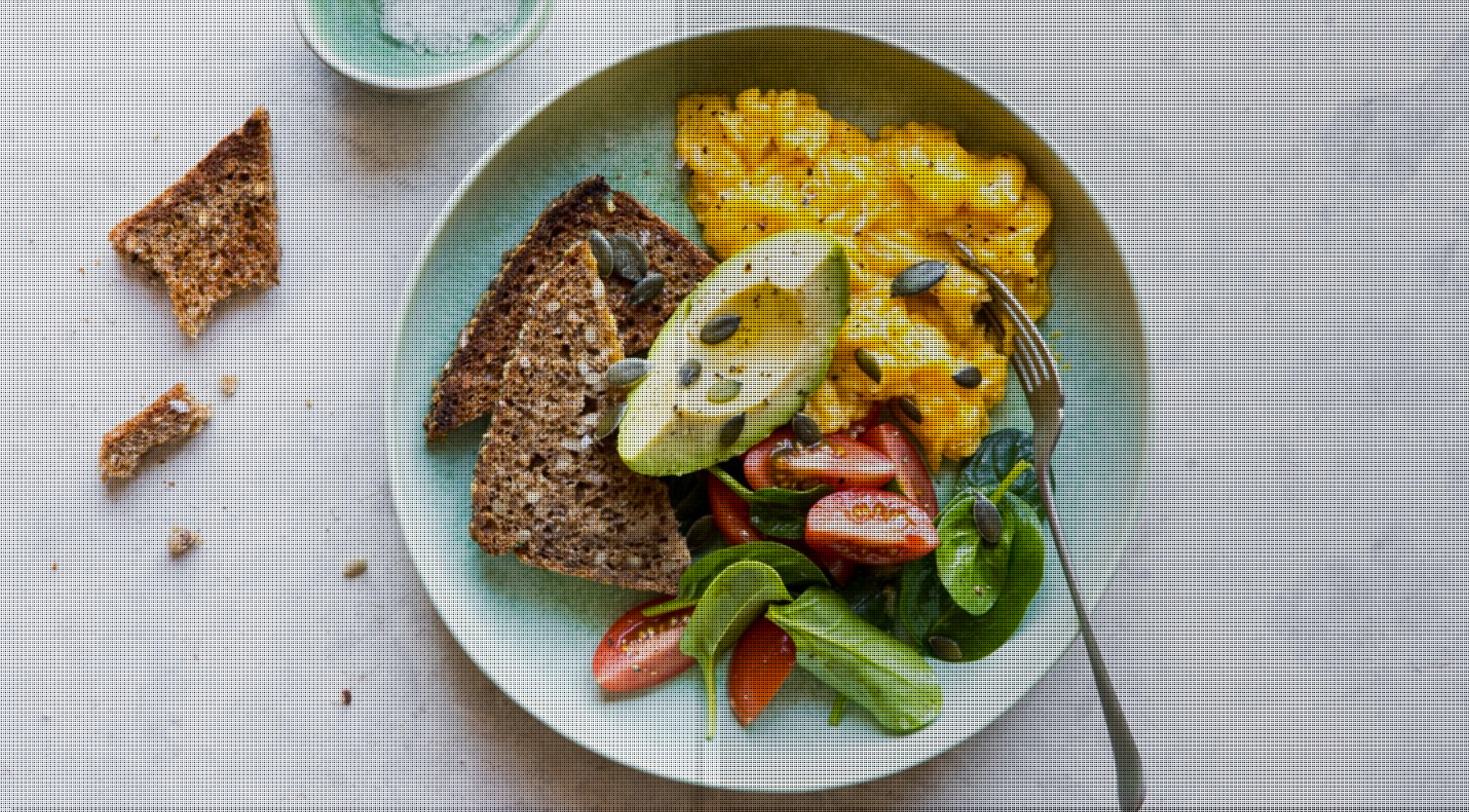


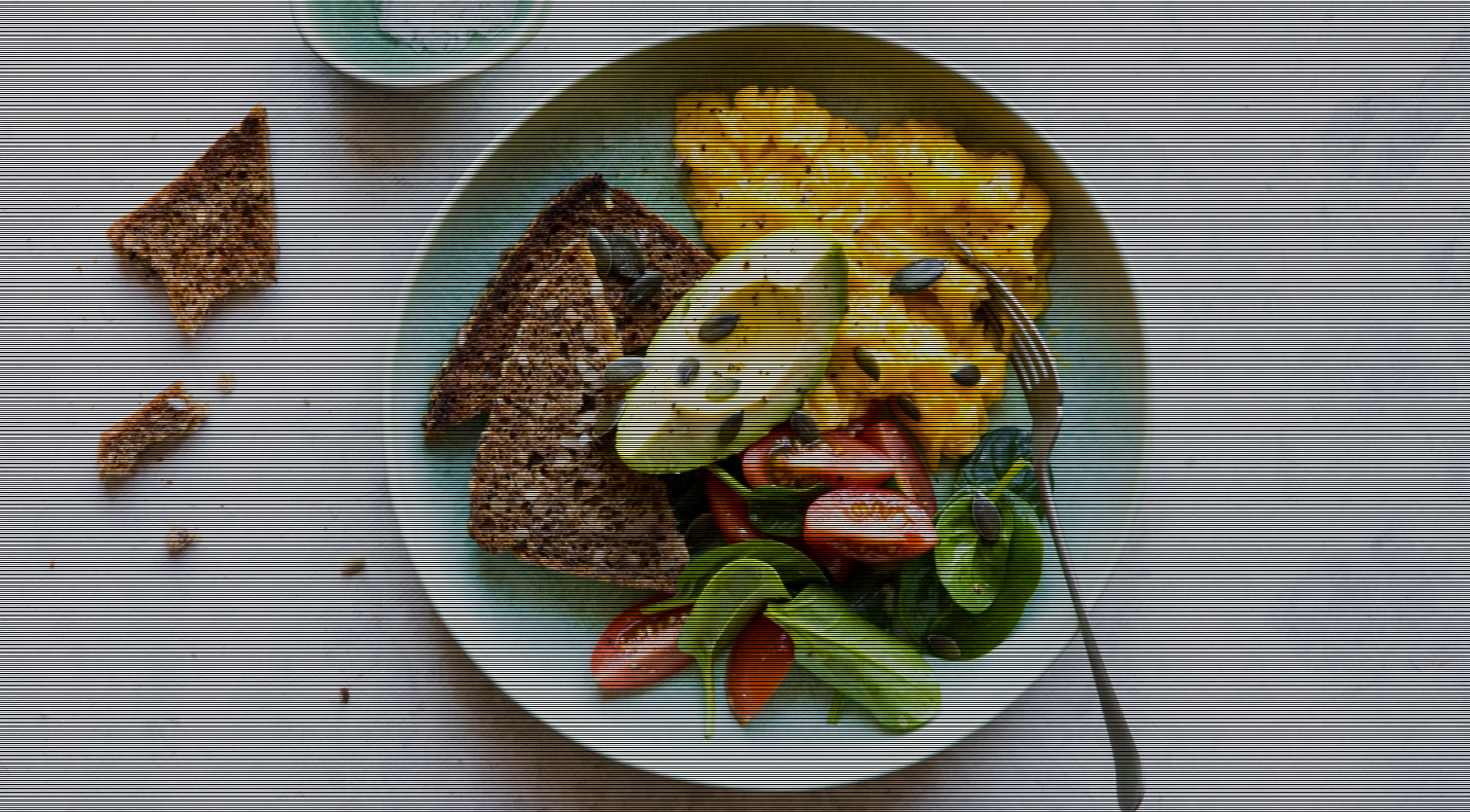
import React from "react";import { CDBMask, CDBView, CDBContainer } from "cdbreact";export const Mask = () => {return (<CDBContainer><CDBView><imgsrc="img/food.jpg"className="img-fluid"alt=""style={{ width: "100%" }}/><CDBMask pattern="pattern1" className="flex-center" /></CDBView><CDBView><imgsrc="img/food.jpg"className="img-fluid"alt=""style={{ width: "100%" }}/><CDBMask pattern="pattern2" className="flex-center" /></CDBView><CDBView><imgsrc="img/food.jpg"className="img-fluid"alt=""style={{ width: "100%" }}/><CDBMask pattern="pattern3" className="flex-center" /></CDBView><CDBView><imgsrc="img/food.jpg"className="img-fluid"alt=""style={{ width: "100%" }}/><CDBMask pattern="pattern4" className="flex-center" /></CDBView></CDBContainer>);};
Mask Light Overlay


import React from "react";import { CDBMask, CDBView, CDBContainer } from "cdbreact";export const Mask = () => {return (<CDBContainer><CDBView><imgsrc="img/food.jpg"className="img-fluid"alt=""style={{ width: "100%" }}/><CDBMask overlay="blueLight" className="flex-center" /></CDBView><CDBView><imgsrc="img/food.jpg"className="img-fluid"alt=""style={{ width: "100%" }}/><CDBMask overlay="redLight" className="flex-center" /></CDBView></CDBContainer>);};
Mask Strong Overlay


import React from "react";import { CDBMask, CDBView, CDBContainer } from "cdbreact";export const Mask = () => {return (<CDBContainer><CDBView><imgsrc="img/food.jpg"className="img-fluid"alt=""style={{ width: "100%" }}/><CDBMask overlay="blueStrong" className="flex-center" /></CDBView><CDBView><imgsrc="img/food.jpg"className="img-fluid"alt=""style={{ width: "100%" }}/><CDBMask overlay="redStrong" className="flex-center" /></CDBView></CDBContainer>);};
API
In this section you will find advanced information about the Mask component. You will find out which modules are required, what are the possibilities of configuring the component, and what events and methods you can use to work with it.
Contrast Mask Import Statement
You need to import the proper components first before using it.
import { CDBMask, CDBView } from "cdbreact";
API Reference: Contrast Mask Properties
The table below shows the configuration options of the CDBMask component.
| Name | Type | Default | Description | Example |
|---|---|---|---|---|
| className | String | Adds custom classes | <CDBMask className="myClass" ... /> | |
| tag | String | div | Changes default html tag | <CDBMask tag="div" ... /> |
| overlay | String | Creates overlay in passed color | <CDBMask overlay="grey-light" .../> | |
| pattern | String or Number | Creates pattern with chosen style | <CDBMask pattern="1" .../> |