Iframe
Iframe
Angular Bootstrap IFrame is an HTML document which is embedded in another HTML doc on a web page. IFrames are used to insert content from another source.
With the Bootstrap integration, you can put the content of the IFrame inside modal to make it even more interactive and entertaining.
IFrames in Bootstrap are fully responsive components, adjusting accordingly to the screen size so there's no need to worry about the quality of your content.
Use examples:
- Video tutorial
- Promotional video presentation
- Google Maps in contact section
See the following examples to get a good grip at IFrames.
Examples
Default Iframe example.
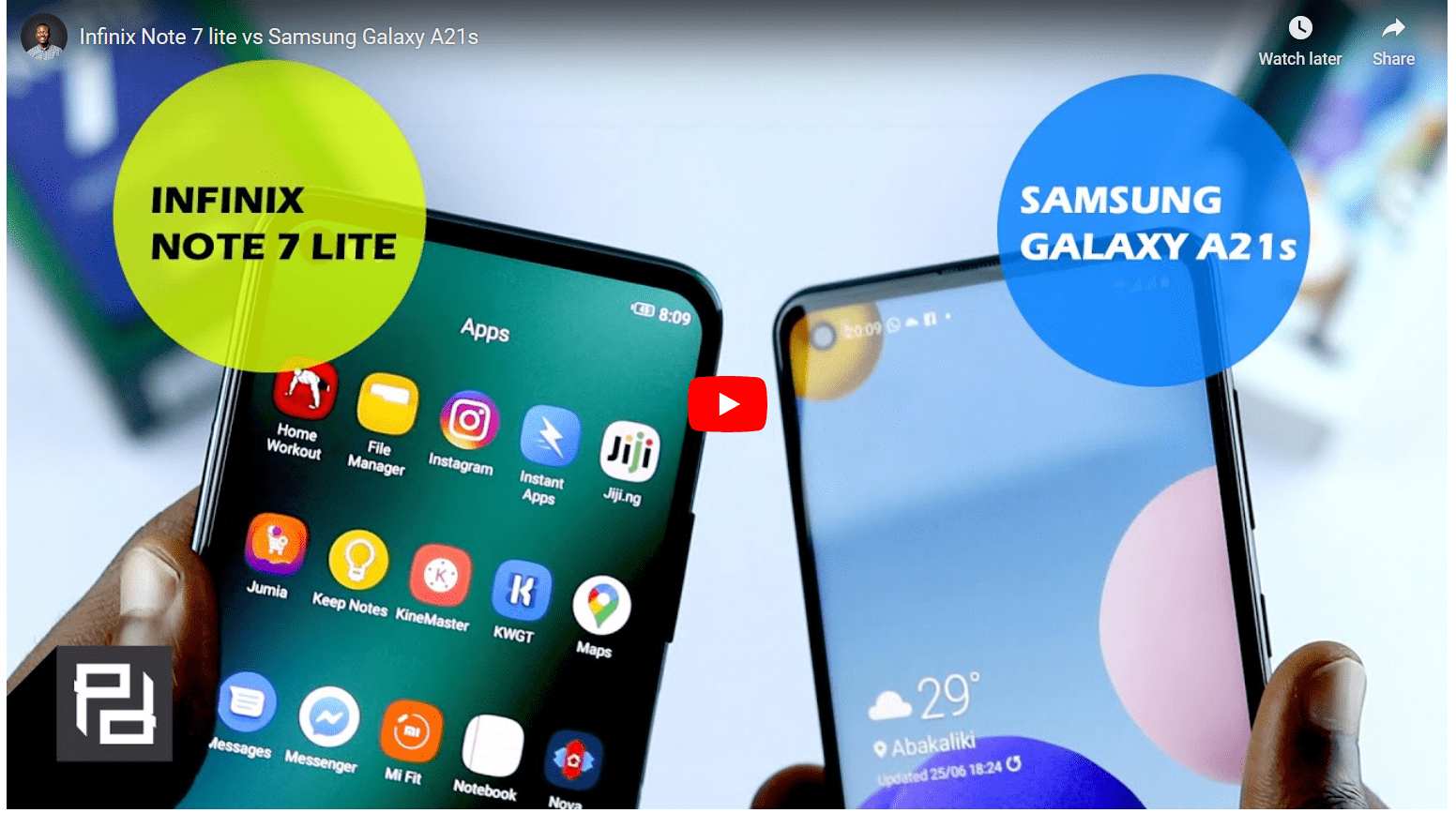
html
<CDBIframe src="https://www.youtube.com/embed/xnczyP2jSR0"/>
API
Here in this section you will find information about required modules and available inputs, outputs, methods and events of this component.
Contrast iframe Bootstrap Modules used
import {IframeModule } from 'cdbangular';
API Reference: Contrast iframe Bootstrap Inputs
The table below shows the possible input of the iframe component.
| Name | Type | Default | Description | Example |
|---|---|---|---|---|
| class | String | Adds custom classes | class="myClass" | |
| url | String | Required. The iframe url | url="https://www.youtube.com/embed/xnczyP2jSR0" | |
| allowFullScreen | Boolean | false | If set, applies the allowFullScreen param | allowFullScreen=true |
| height | Number | Defines component height | height=300 | |
| width | Number | Defines component width | width=300 | |
| id | String | Adds id to the element | id="my_id" | |
| name | String | Adds name attribute | name="myIframe" | |
| onLoad | function | Function fired on onLoad event | onLoad={handleLoad} | |
| onMouseOut | function | Function fired on onMouseOut event | onMouseOut={handleEvent} | |
| onMouseOver | function | Function fired on onMouseOver event | onMouseOver={handleEvent} | |
| ratio | String | Defines component ratio. Choose from "1by1", "4by3", "16by9" and "21by9" | ratio="1by1" | |
| sandbox | String | Adds optional sandbox values: (no value) - Applies all restrictions, allow-forms - Allows form submission, allow-modals Allows to open modal windows, allow-orientation-lock Allows to lock the screen orientation, allow-pointer-lock Allows to use the Pointer Lock API, allow-popups Allows popups, allow-popups-to-escape-sandbox Allows popups to open new windows without inheriting the sandboxing, allow-presentation Allows to start a presentation session, allow-same-origin Allows the iframe content to be treated as being from the same origin, allow-scripts Allows to run scripts, allow-top-navigation Allows the iframe content to navigate its top-level browsing context, allow-top-navigation-by-user-activation Allows the iframe content to navigate its top-level browsing context, but only if initiated by user | sandbox=true | |
| title | String | Defines component title | title="my_title" | |
| style | Object | Add's additional styles. | style={color: 'red'} |