Animation
Animation
Angular Bootstrap Animations are illusions of motions for web elements. +70 animations generated by CSS only and works properly on every browser.
Simple Usage
Using our animation is simple. Wrap the content you want to animate into the Animation component and specify its type. Check out the API section for more advanced options!
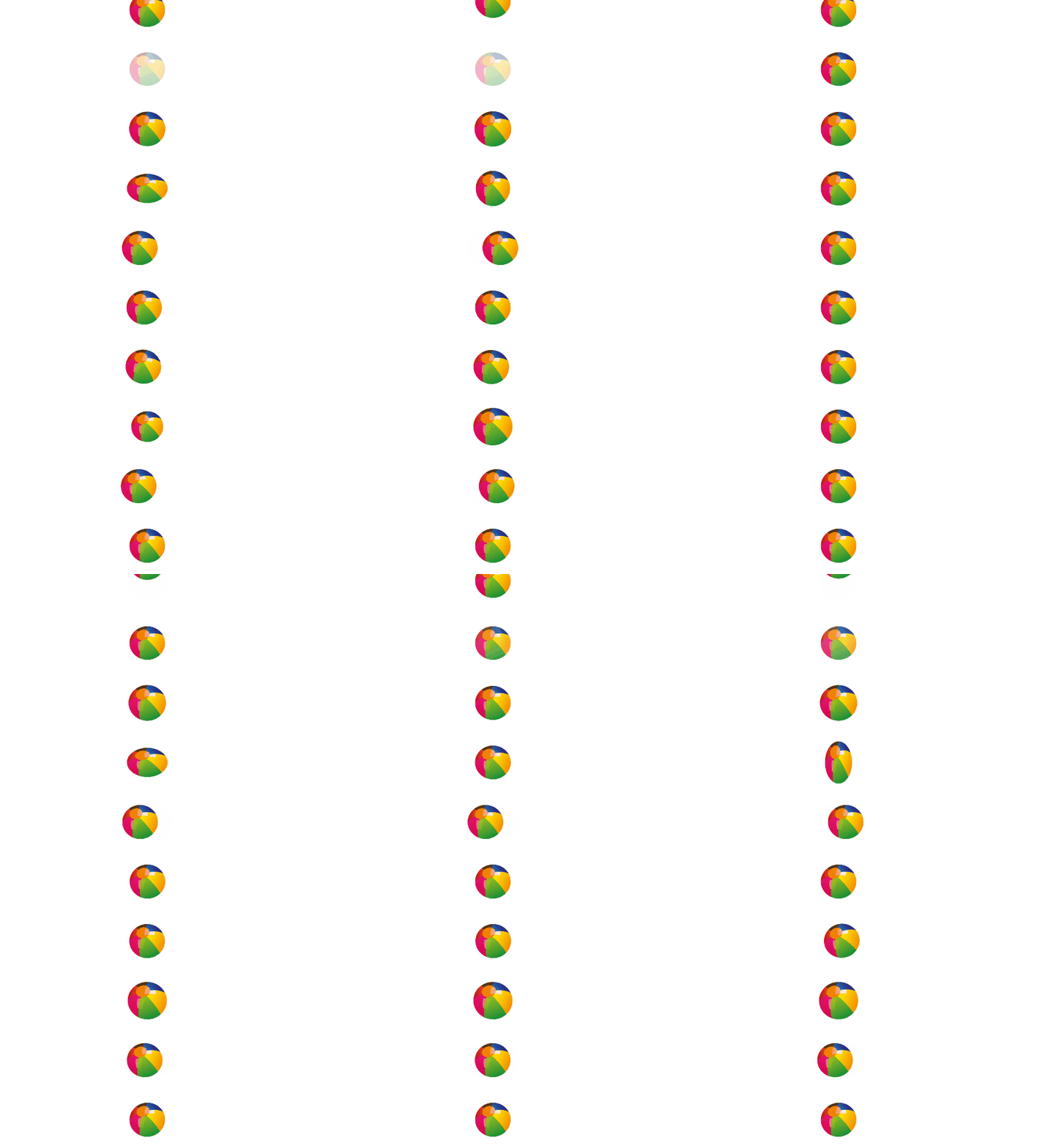
html
<CDBAnimation type="bounce" [infinite]=true><img alt="" src="https://pngimg.com/uploads/football/football_PNG52775.png" width="50" height="50" /></CDBAnimation><CDBAnimation type="flash" [infinite]=true><img alt="" src="https://pngimg.com/uploads/football/football_PNG52775.png" width="50" height="50" /></CDBAnimation><CDBAnimation type="pulse" [infinite]=true><img alt="" src="https://pngimg.com/uploads/football/football_PNG52775.png" width="50" height="50" /></CDBAnimation><CDBAnimation type="rubberBand" [infinite]=true><img alt="" src="https://pngimg.com/uploads/football/football_PNG52775.png" width="50" height="50" /></CDBAnimation><CDBAnimation type="shake" [infinite]=true><img alt="" src="https://pngimg.com/uploads/football/football_PNG52775.png" width="50" height="50" /></CDBAnimation><CDBAnimation type="headShake" [infinite]=true><img alt="" src="https://pngimg.com/uploads/football/football_PNG52775.png" width="50" height="50" /></CDBAnimation><CDBAnimation type="swing" [infinite]=true><img alt="" src="https://pngimg.com/uploads/football/football_PNG52775.png" width="50" height="50" /></CDBAnimation><CDBAnimation type="tada" [infinite]=true><img alt="" src="https://pngimg.com/uploads/football/football_PNG52775.png" width="50" height="50" /></CDBAnimation><CDBAnimation type="wobble" [infinite]=true><img alt="" src="https://pngimg.com/uploads/football/football_PNG52775.png" width="50" height="50" /></CDBAnimation><CDBAnimation type="jello" [infinite]=true><img alt="" src="https://pngimg.com/uploads/football/football_PNG52775.png" width="50" height="50" /></CDBAnimation><CDBAnimation type="heartBeat" [infinite]=true><img alt="" src="https://pngimg.com/uploads/football/football_PNG52775.png" width="50" height="50" /></CDBAnimation>
API
Here in this section you will find information about required modules and available inputs, outputs, methods and events of this component.
Contrast Animation Bootstrap Modules used
import {AnimationModule } from 'cdbangular';
API Reference: Contrast Animation Inputs
The table below shows the possible input of the Animation component.
| Name | Type | Default | Description | Example |
|---|---|---|---|---|
| class | String | Adds custom classes | class="myClass" | |
| infinite | Boolean | false | Makes an animation go for eternity. Note: it overwrites the count prop | infinite=true |
| type | String | This prop defines the kind of animation desired | type="tada" |